Remote Access
Remote access allows the M1/L1 modules to be controlled by other terminal devices without a USB cable connection.
Quick Start
After powering on and entering the system desktop, the default 5555 port of M1 and L1 is closed. Therefore, you need to first connect the USB cable to open the port, and toggle DIP switch 1 to the “on” position.
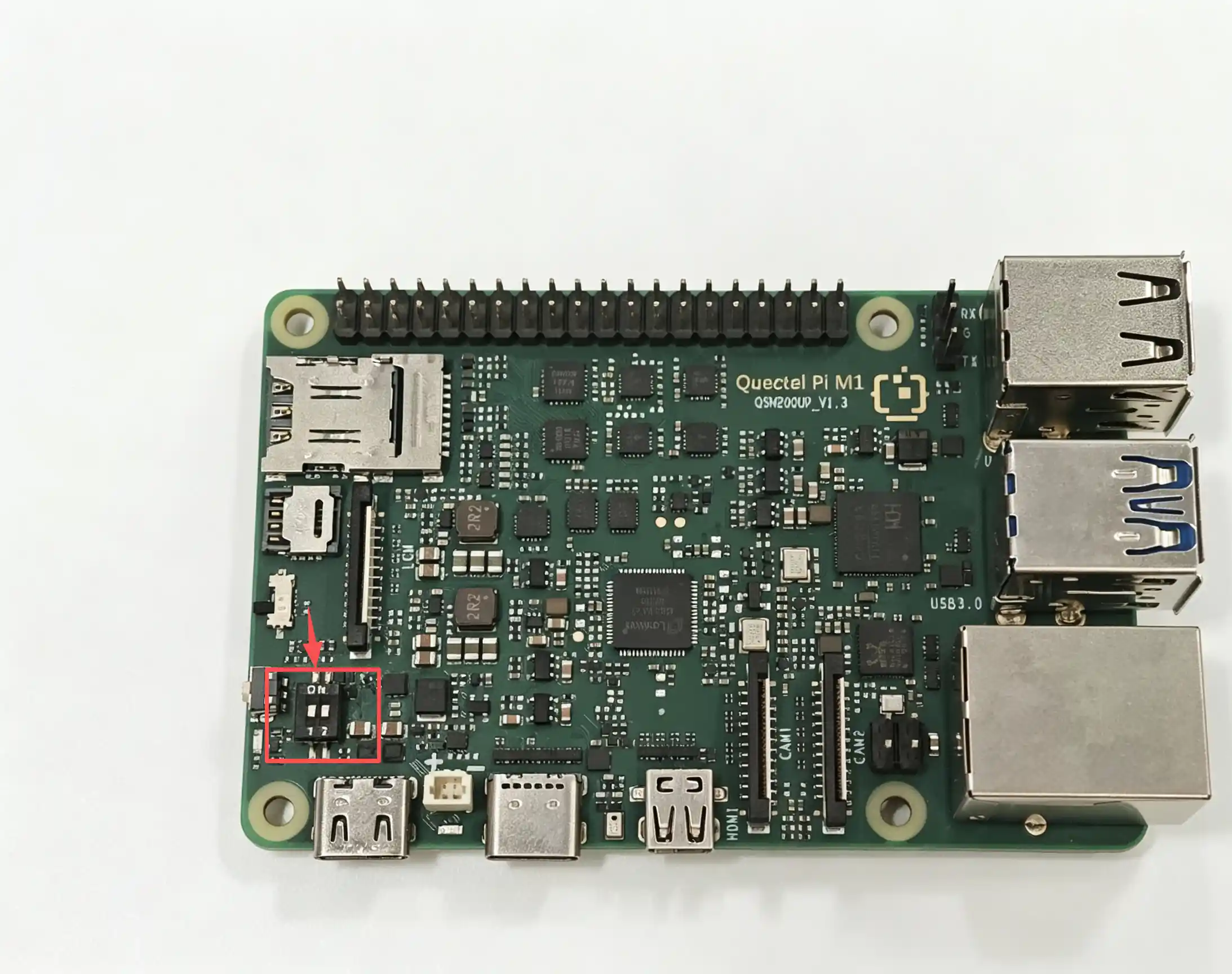
Then run the following command:
C:\Users\will.li>adb tcpip 5555
restarting in TCP mode port: 5555
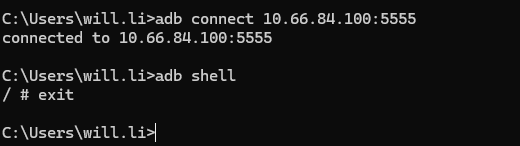
Ensure that the module and other terminal devices are on the same LAN. At this point, regardless of whether DIP switch 1 is on or off, other devices can use the following command to connect:
adb connect [module LAN IP]:5555